Usage & Monitoring
Keep track of your API credits, asynchronous task statuses, and easily export billing logs with intuitive data charts.
The EasyRouter Console provides full-scale transparency over all your API calls and bills, leaving no room for unexpected spending.
Core Features
1. Credits Balance
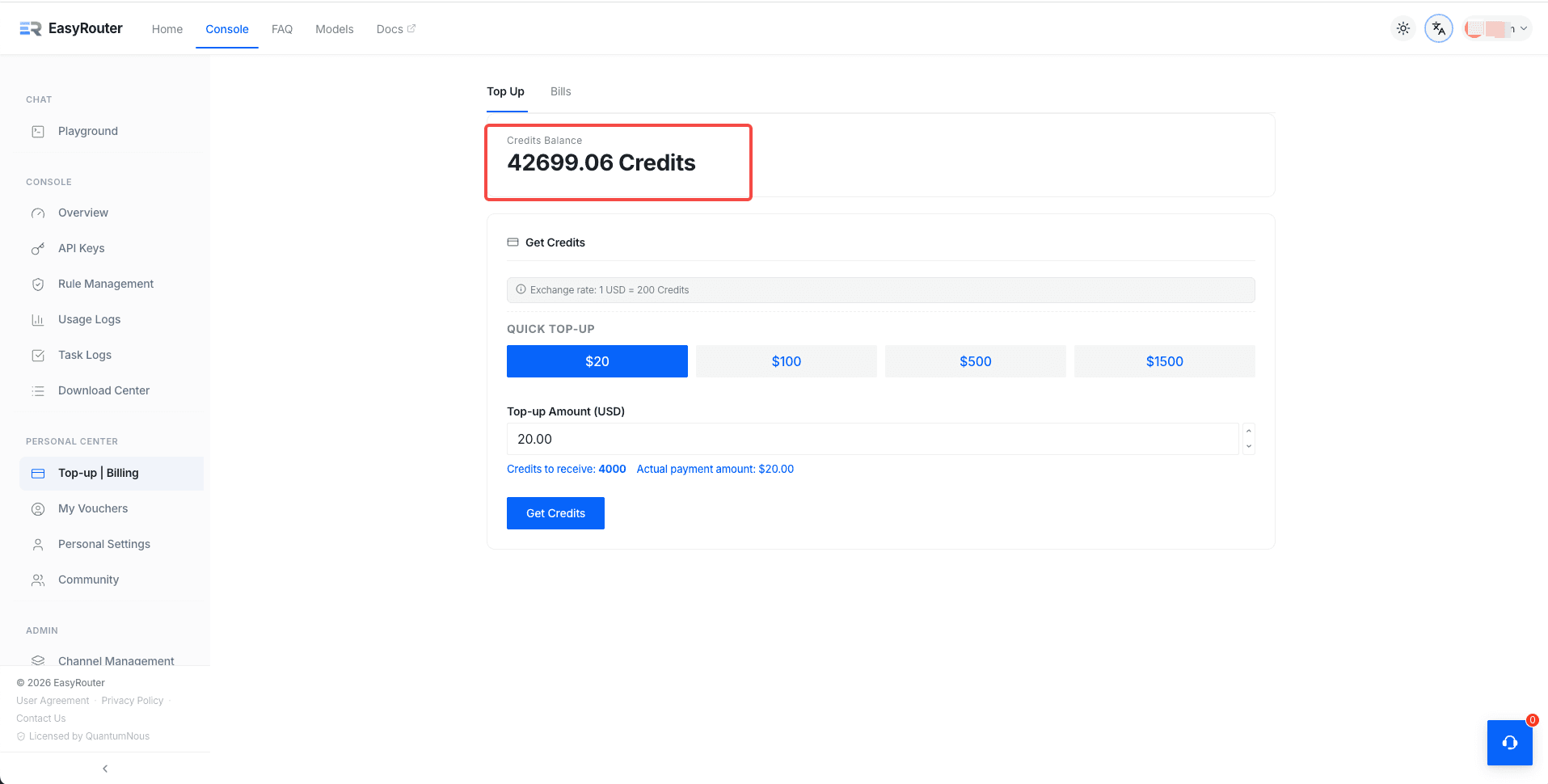
On the console's Top-up | Billing page, you can check your "Credits Balance" in real-time. In addition, your available credits are always displayed at the top-right of the navigation bar, ensuring you are fully aware of your quota during integration and development.
2. Usage Logs
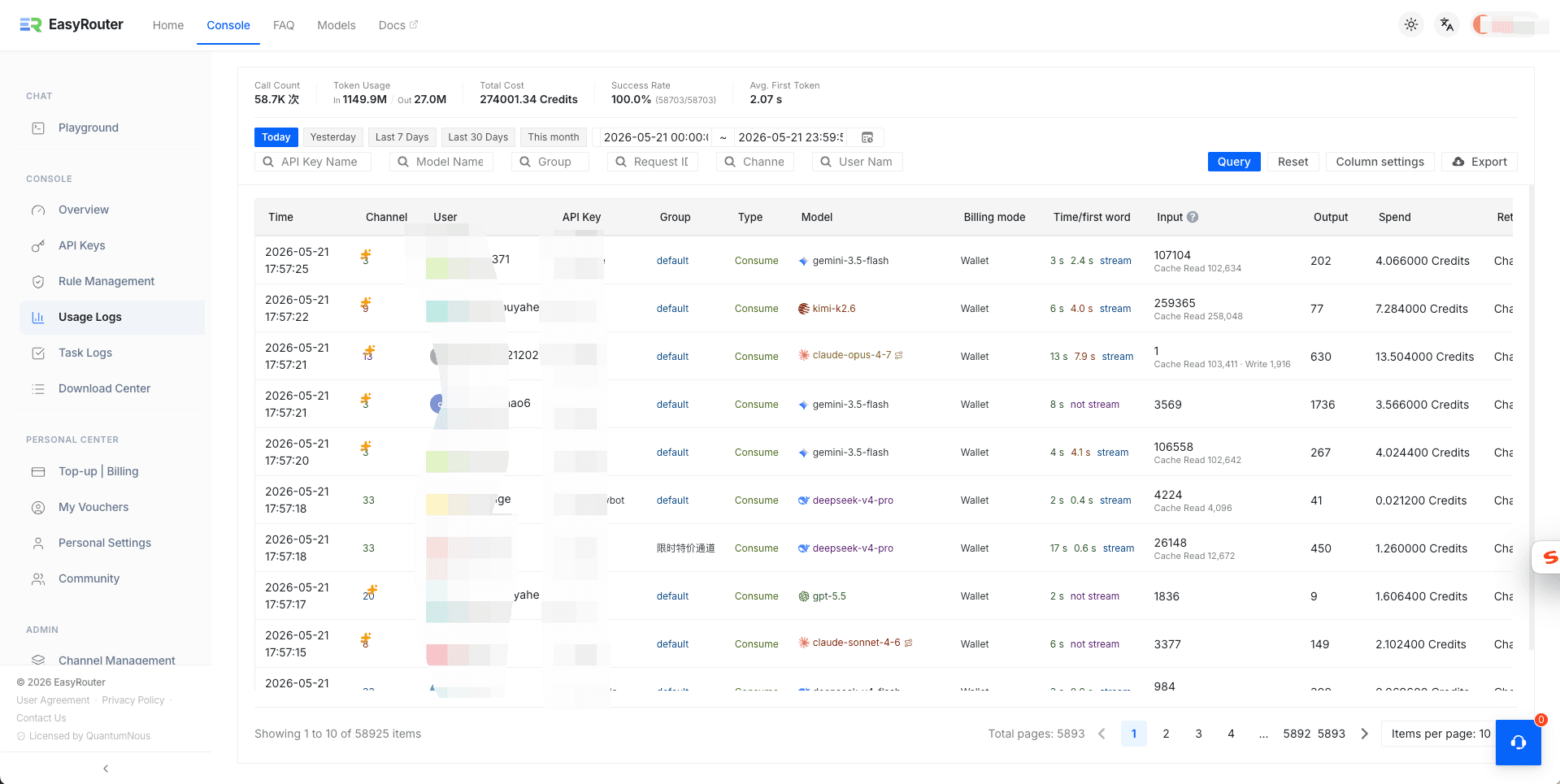
On the 「Usage Logs」 page, you can monitor your API traffic in real-time. The system charts your call volume, token usage, and credit spent, while offering powerful query filters (by model, API key, user group, etc.).
3. Task Logs
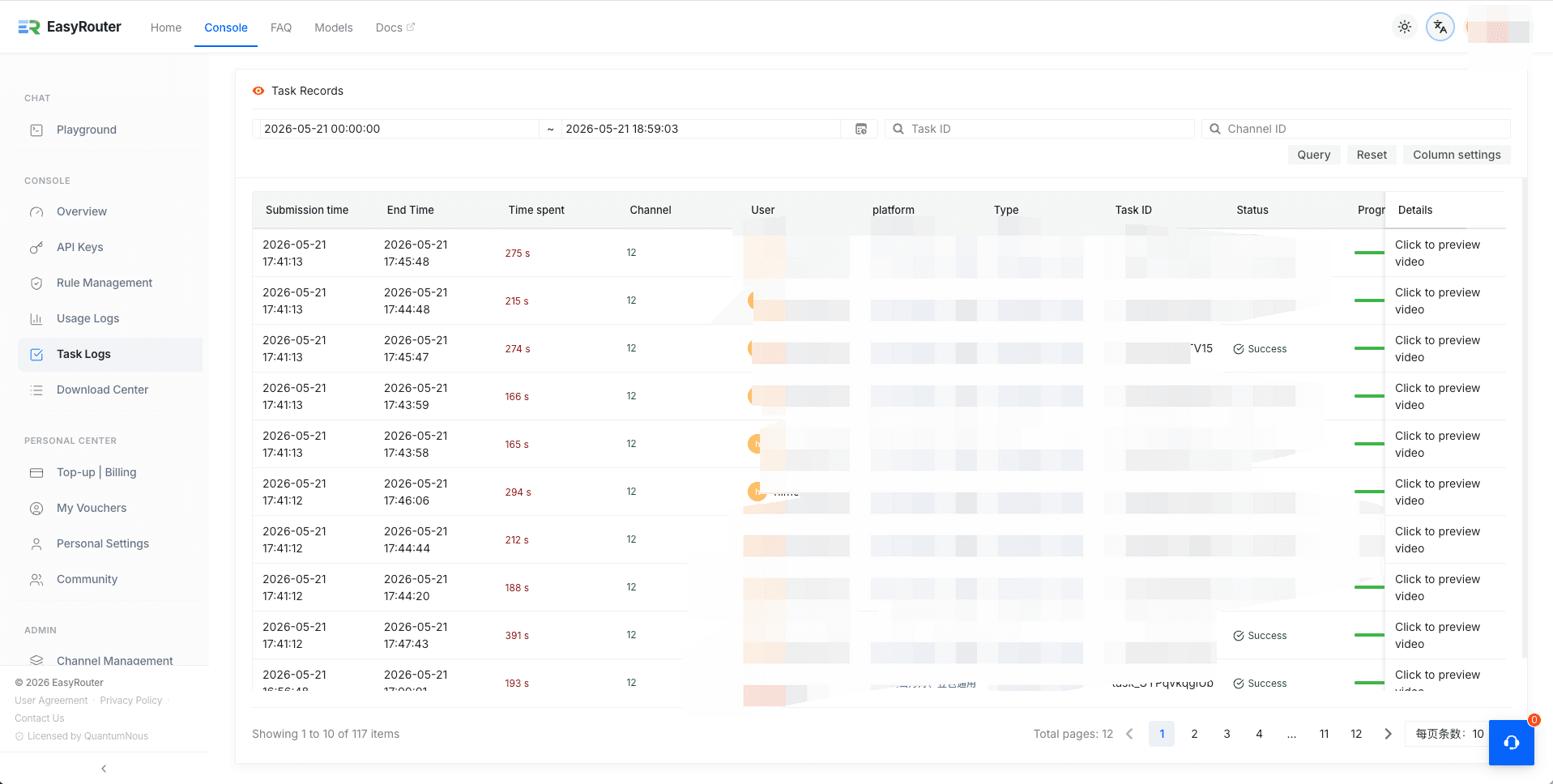
For long-running, asynchronous jobs (such as video and image generation), you can monitor progress details under the 「Task Logs」 page. Track job submission time, elapsed time, and status (e.g., Success, Pending), and click directly to preview outputs.
4. Download Center
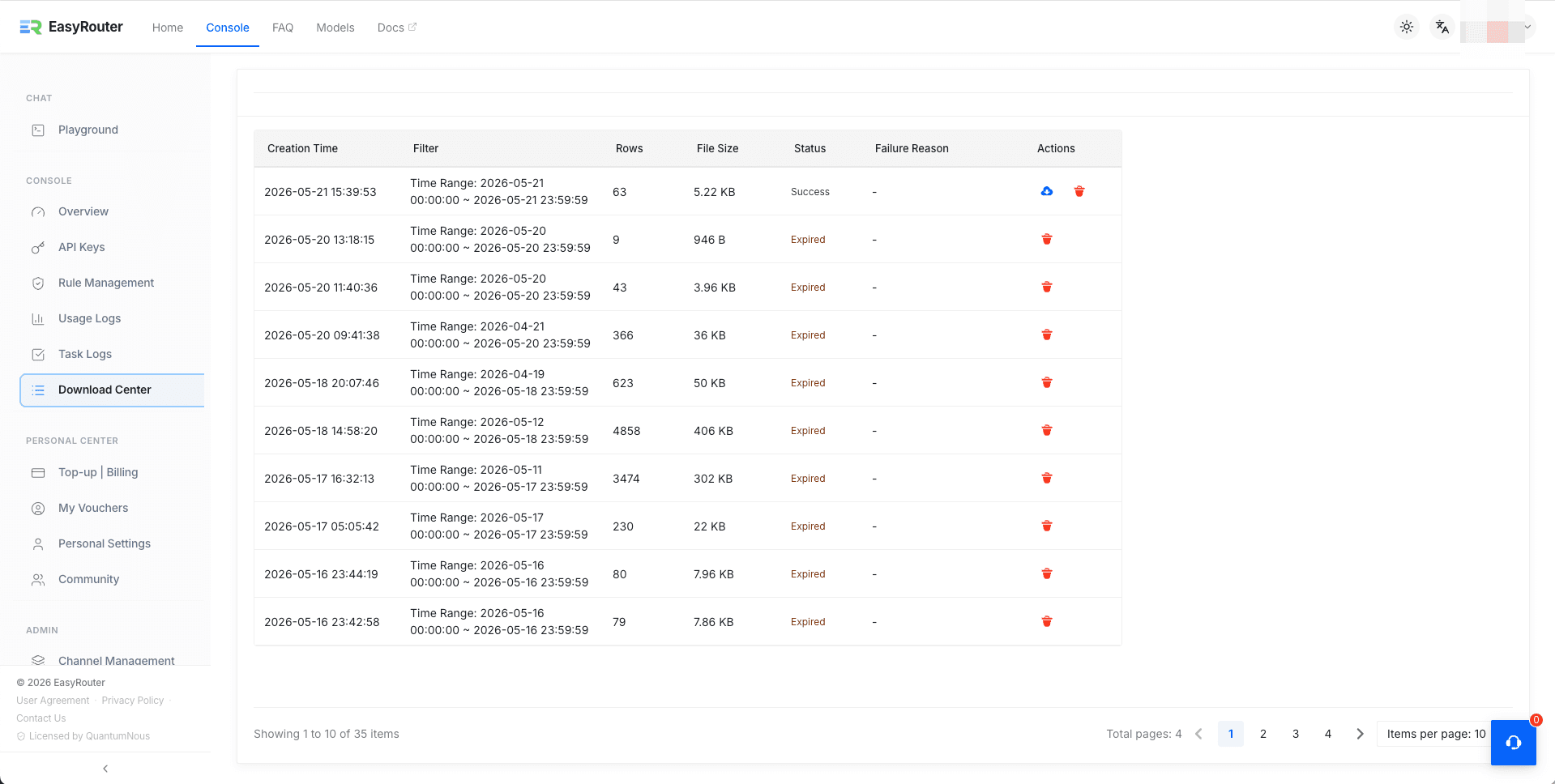
If you need offline auditing or financial reporting, simply click "Export" on any query result. All generated reports are consolidated on the 「Download Center」 page for you to download with a single click.